Car Tech·Ezra Agro Desk·
Car Infotainment in 2026: What Still Works After a Year
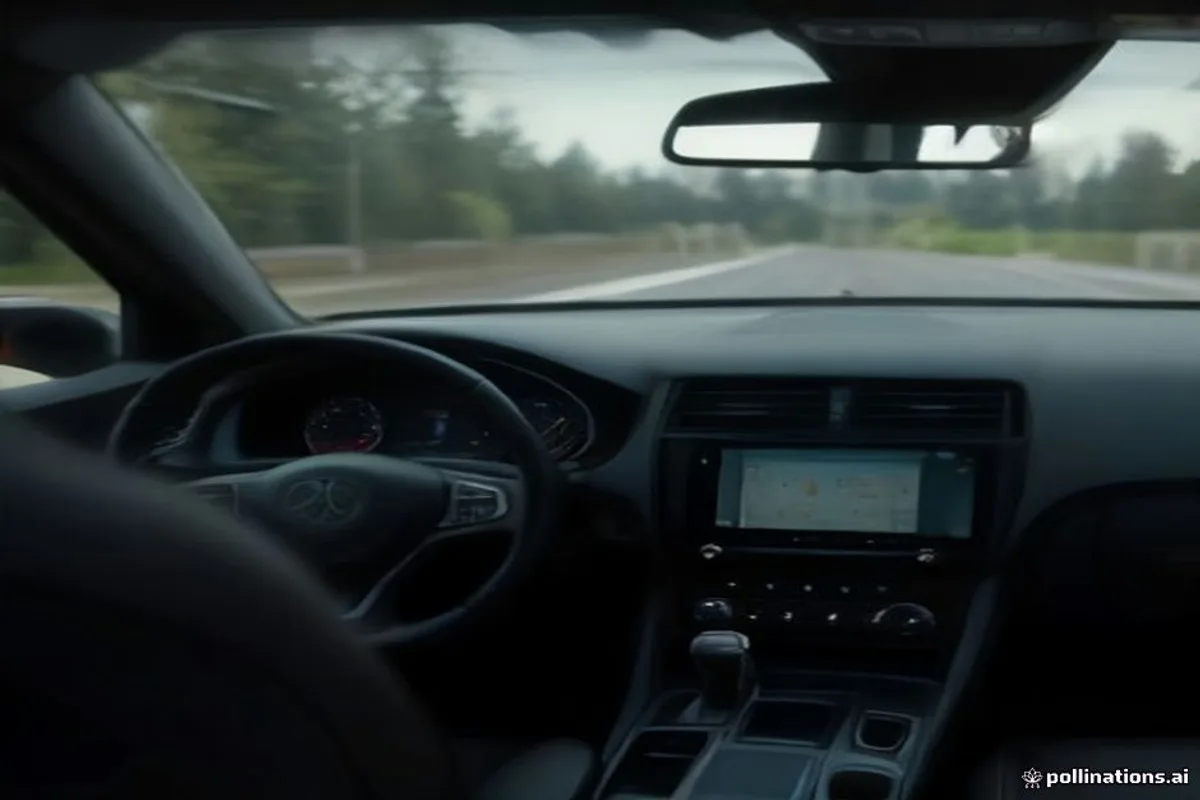
A big screen is easy to sell and hard to live with. We look at the parts of car tech that still feel good after twelve months of daily use.
Key facts
- Wireless phone mirroring adds convenience but can drain a phone battery by 15 to 20 percent an hour.
- A screen that takes more than two seconds to respond to a tap is a safety problem, not a style choice.
- Over-the-air updates fix bugs slowly; budget for one or two meaningful updates a year, not monthly magic.
- Physical controls for volume and climate remain faster than menus in almost every test we have run.
The screen is not the system
Walk into a showroom and the infotainment system is sold as a piece of glass. In daily life it is a set of small interactions: changing the temperature, skipping a track, answering a call, reading a direction at a glance. Those interactions are where a system earns its keep or becomes a source of quiet irritation.
We have spent the past year living with several 2025 and 2026 systems, from budget hatchbacks to electric SUVs. The pattern is consistent. The screens have become larger, sharper and more colourful, while the software underneath has improved much more slowly.
The two-second test
A simple test tells you more than any specification sheet. Start the car, tap the navigation icon and count until the map is usable. Then tap the climate control and count again. Anything above two seconds feels broken in motion, and anything above three seconds invites drivers to look away from the road.

Lag usually comes from an underpowered processor, not from a lack of features. It is also the hardest thing to fix later, because a software update cannot add memory. If the demo car feels slow standing still, it will feel worse with a phone connected and a map running.
Buttons, glass and the return of common sense
Several manufacturers have quietly restored physical controls for volume and climate after years of moving everything into menus. That reversal is not nostalgia. A rotary knob can be found without looking, and a haptic slider cannot. If you drive on rough roads or in winter gloves, this matters more than the screen resolution.
When you evaluate a car, sit in it with the engine off and try to do five things without reading the screen: change the fan speed, raise the temperature, skip a track, open the boot and turn on the hazard lights. If any of those require a menu, ask yourself whether you will still accept that in year three.
The best car tech disappears into the drive. If you are fighting the interface at a red light, the interface has already failed.
Wireless mirroring is convenient until it is not
Wireless CarPlay and Android Auto remove a cable and add two problems: battery drain and occasional dropouts in busy areas. On a long drive, a phone running navigation and music wirelessly can lose a fifth of its charge in an hour. Many cars compensate with a cooled charging pad, but not all of them do it well.
The practical setup is a short, high-quality USB cable in the console for long trips and wireless for short ones. Test the connection in a place with weak signal, because that is where cheap wireless implementations stutter. Also check whether the car keeps the phone connected after you walk away with it; some do, and the phone stays awake in your pocket.
Over-the-air updates: patience required
OTA updates are genuinely useful for fixing bugs, improving charging curves and adding small features. They are not a substitute for good hardware. Expect one or two meaningful updates a year, plus a few minor ones. Read the release notes before installing, and avoid starting an update when you need the car in the next hour.
A car that receives updates is usually a better long-term purchase than one that never does, but only if the manufacturer has a track record. Ask the dealer how many updates the model received in the past year and whether any of them changed how the car drives. A vague answer is an answer.
What to check before you sign
- Response time for climate, volume and navigation with the car in drive mode, not showroom mode.
- Whether the screen dims properly at night and whether it reflects sunlight at midday.
- Wireless charging speed and whether the pad overheats a phone during navigation.
- Number and quality of USB ports, including one that can charge a laptop-sized device.
- Whether the map and traffic data require a subscription after the first year.
- How the system behaves when the phone loses signal in a tunnel.
None of this is exciting, and that is the point. A good infotainment system is not the one that photographs best. It is the one that lets you keep your eyes on the road and your hands on the wheel, year after year.
Written by Ezra Agro Desk for Ezra Agro. Tips or corrections? Email [email protected].